
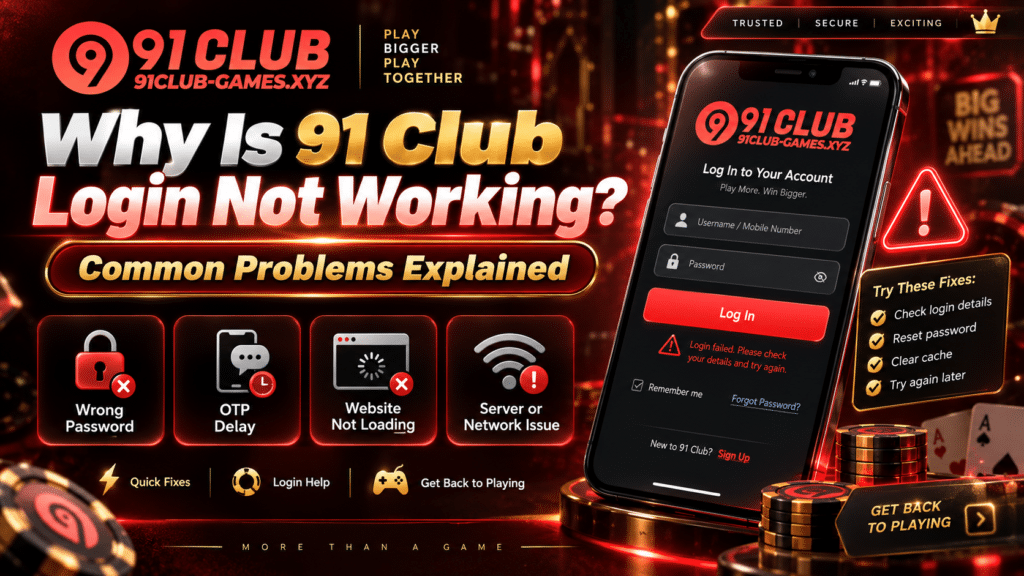
A login that keeps failing rarely has an exotic cause. It’s your credentials, your browser, your connection, or the site itself having a bad afternoon. Working out which one you have is most of the job, because the fix for each is completely different.
Five Reasons a 91 Club Login Fails
1. The details are wrong
This is the most common cause by a distance, and it’s the one people dismiss fastest because they’re certain they typed it right.
Check your registered mobile number or username character by character. Then the password. Caps Lock catches people constantly, especially on phones where you can’t see it’s on. So do extra spaces, which slip in when you paste a password from somewhere else and pick up a trailing space you can’t see.
Forgotten the password entirely? Use the account recovery option on the verified platform. Not an unofficial recovery service, which is a category that exists purely to collect the credentials you’re trying to reset.
2. The OTP never arrives, or arrives late
When the platform sends a verification code and it doesn’t show up, login stalls there.
Check your mobile signal first, then wait a short while before asking for another code. Don’t spam the request button. Firing off several OTP requests in a row can create fresh verification problems on top of the one you already have.
And the code stays with you. Not with anyone who messages you claiming to be from 91 Club customer support, whatever explanation comes attached.
3. Cache and cookies getting in the way
Stored browser data goes stale or breaks, and a site that worked yesterday starts behaving strangely.
Refresh the page first. Then clear your cache and cookies and load the site fresh. If that doesn’t do it, open the site in a private or incognito window, or try a different supported browser.
That incognito test is genuinely useful, so pay attention to the result. If the site works in incognito but fails in your normal browser, you’ve found your answer: stored data or a browser setting is causing it, not your account.
4. The connection is unstable
A weak connection stops the login page from loading properly, or drops your session halfway through.
Switch between Wi-Fi and mobile data, then try the verified site again. If other sites are also crawling, the problem is your connection and your account is fine.
5. The site itself is having problems
Platforms go down. They run maintenance. When that’s what’s happening, retrying the login twenty times changes nothing.
If your credentials are right and your connection is solid, wait and come back later. Don’t fill the gap by downloading unofficial apps or browser extensions promising to restore access. Those don’t restore anything.
If Your Account Is Locked
A message saying your account is restricted or locked means one thing above all: stop trying passwords. Each further attempt makes the situation worse, not better.
Go to the account recovery or verification process on the verified platform. If that doesn’t clear it, contact 91 Club account support through an official channel.
Keep the error message and any reference number in front of you when you do. Those are what let support find your case instead of asking you to describe it twice.
When to Contact 91 Club Customer Support
Once basic troubleshooting has run out, the verified 91 Club customer support channel is the next step.
Four details make the report useful:
- The error message shown on screen
- Roughly when the problem started
- The device and browser you’re using
- Whether it happens every time or only sometimes
That last one matters more than people expect. A failure that happens every single time points somewhere different than one that happens now and then.
Your password, OTP, PIN and authentication credentials stay out of the conversation. Anyone requesting them while offering technical support is not providing technical support.
Staying Safe While You’re Locked Out
Being locked out is the moment phishing works best. You want in, you’re annoyed, and a fake support account is offering exactly what you want.
Read the website address before you type your credentials into anything. Ignore links arriving in messages you didn’t ask for. And don’t give anyone remote access to your device on the promise of fixing your account, because what they fix is their access to it.
Where to Start
Credentials, then OTP, then browser, then connection, then the platform itself. That order solves most 91 Club login problems and takes a few minutes.
If it doesn’t, use verified account recovery and verified support. An unofficial contact who promises a faster route is offering a different service than the one advertised.
