
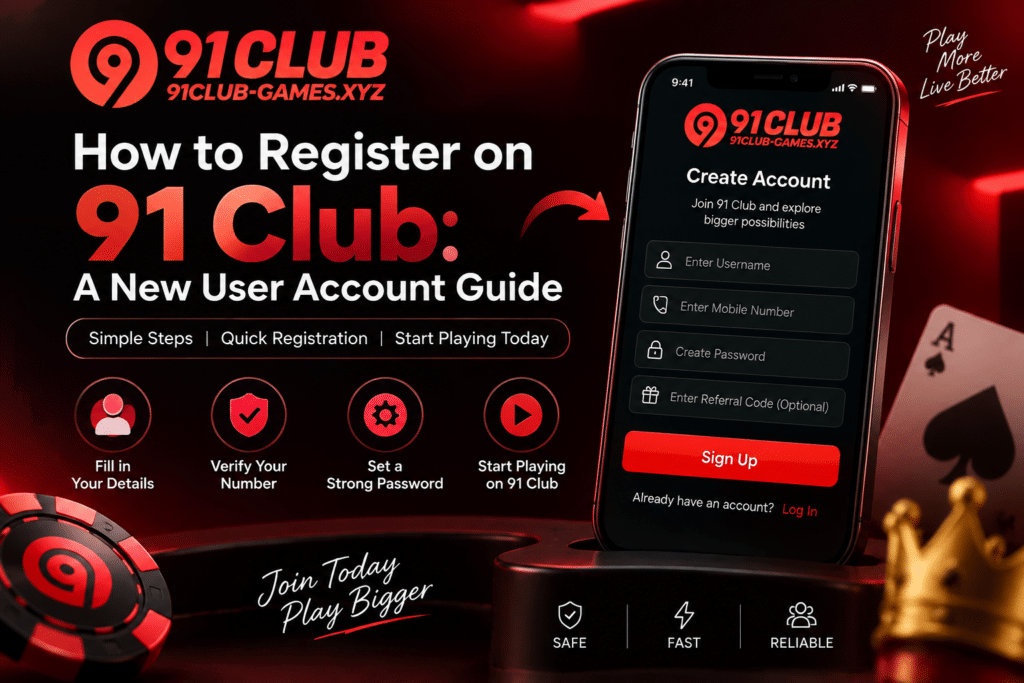
Signing up for anything that asks for your mobile number and identity details is worth a few minutes of checking first. 91 Club registration is no different. The procedure changes from time to time, and the service isn’t available or lawful everywhere, so what applied to someone else a while ago may not apply to you now.
What 91 Club Registration Involves
Registration is how you create your user account on the platform. The form usually asks for a mobile number and a set of login credentials, followed by an authentication or verification step. The exact fields depend on what the platform is asking for at the time.
Before you fill any of it in, look at the current terms, the privacy policy, the age requirement, and whether the service operates where you live.
Before You Sign Up
Seven things to settle before you touch the form:
- Are you on the real website or app, or a lookalike?
- Is the service legally available in your jurisdiction?
- Do you meet the age and eligibility rules that apply to you?
- What do the current terms and privacy information actually say?
- What personal information is being requested, and what happens to it?
- Where is the verified customer support channel, if you need it later?
- Where did your registration link come from? Links arriving through unknown social media accounts, messaging groups or unsolicited messages are the ones to ignore.
91 Club Account Setup
If registration is available and lawful where you live, follow only what the verified website or official app tells you to do.
Setup asks for basic registration information and a verification step. Those requirements shift, which is what makes old screenshots and third-party tutorials unreliable. A walkthrough written some time back may be describing a form that no longer exists.
Keep your login credentials to yourself the whole way through. And don’t ask another person to create the account using your personal information, however much easier that sounds.
Account Verification
A verification step can appear during registration or after it. When a code arrives, enter it on the verified platform and nowhere else.
Never send an OTP, password, security PIN or authentication code to anyone calling themselves an agent or a support representative. That request has one purpose.
If you’re asked for identity information, confirm two things before sending anything: that the request genuinely comes from the platform, and that the connection is secure.
Problems During Registration
New users hit a fairly predictable set of problems:
- Registration pages that won’t load
- Verification codes arriving late
- Information entered incorrectly
- Browser compatibility issues
- Network connectivity problems
- Temporary service interruptions
Most of the technical ones clear with the basics. Check your internet connection, refresh the page, or switch to a supported browser. Anything tied to your specific account needs the verified 91 Club account support channel instead.
91 Club Customer Support
If registration won’t complete, or you have a question about your account, use the support option on the verified platform.
Describe the problem clearly and include the error message if you have one. Leave out your password, OTP, payment PIN and any other authentication credentials.
Three requests should stop you on the spot: an unofficial fee to activate or verify the account, a demand that you install remote-access software, or a request for sensitive information to complete either. None of those belong in a real support conversation.
Protect Your New Account
Once the account exists, give it a strong password you don’t use anywhere else that matters. Keep the login details private, and don’t save them on a shared or public device.
Check the website address every time you sign in. Phishing sites copy familiar branding and registration pages closely, because collecting passwords is the entire point of the copy. The design being right is not evidence that the site is.
Where This Leaves You
Verify the platform, confirm the service is available and lawful where you live, and follow the registration information the verified platform gives you rather than an unofficial guide.
If account setup goes wrong, verified 91 Club account support is the route. Not an agent in a messaging group.
And your passwords, OTPs and security PINs stay with you. There’s no situation where handing them over is what solves the problem.
